For bookkeepers
Spend the time reviewing, not typing
Statements in, lines coded, receipts attached, reports out.
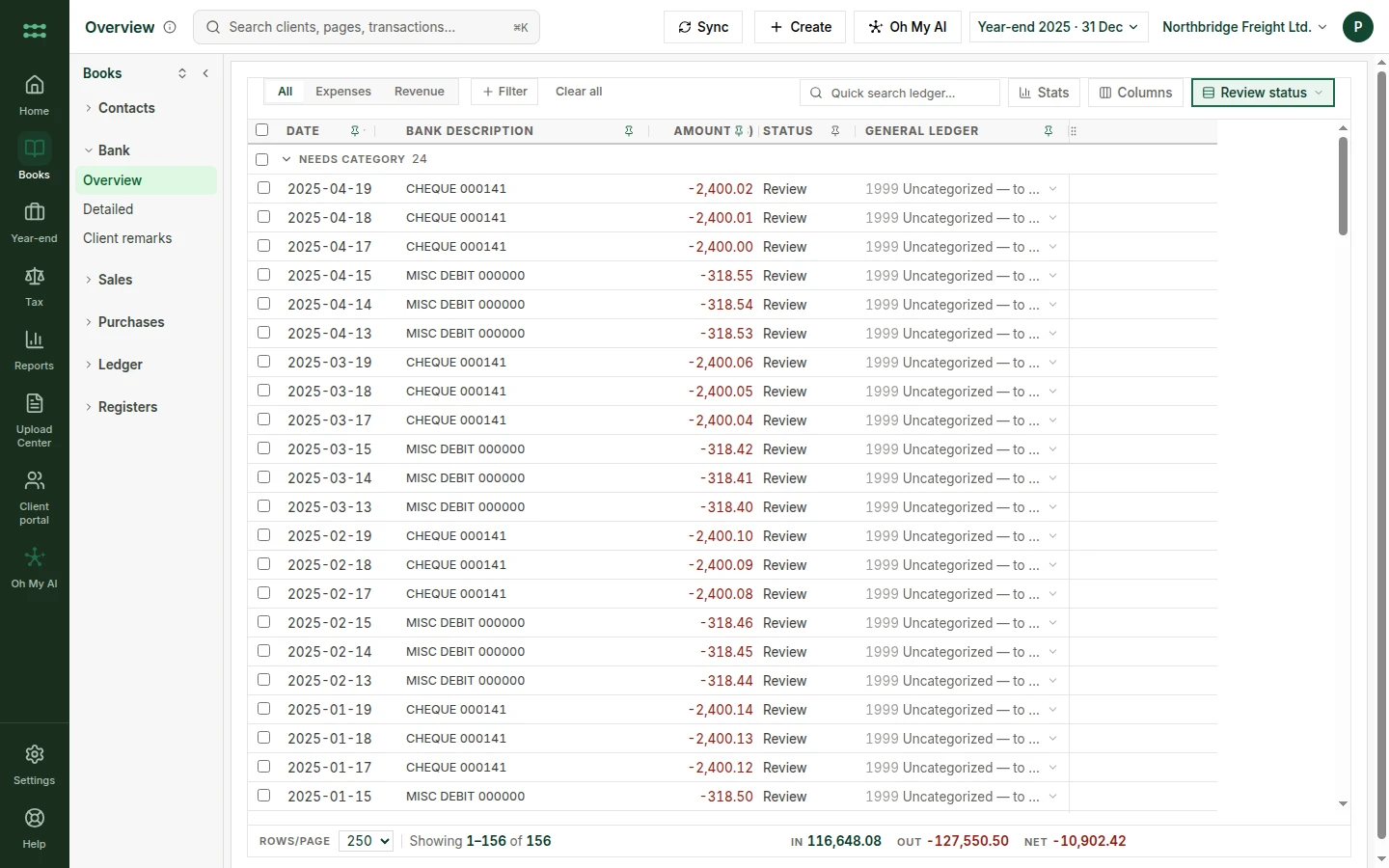




Sound familiar?
The week, as it runs today.
- Typing statement lines by hand.
- Bank feeds that post things you never checked.
- Receipts kept somewhere other than the entry.
Month-end, in one sitting
The close, without the typing.
- First
Statements in
Each PDF is checked against its own opening and closing balance.
- Then
Lines coded
Account and sales tax suggested on every line, with the rule shown.
- You
Answer the uncertain ones
Only the lines that need a person wait for you.
- You
Press Post
Balanced entries reach the ledger. Reports are ready to open.
Shaded steps are done for you. The other two are yours.
Your setup
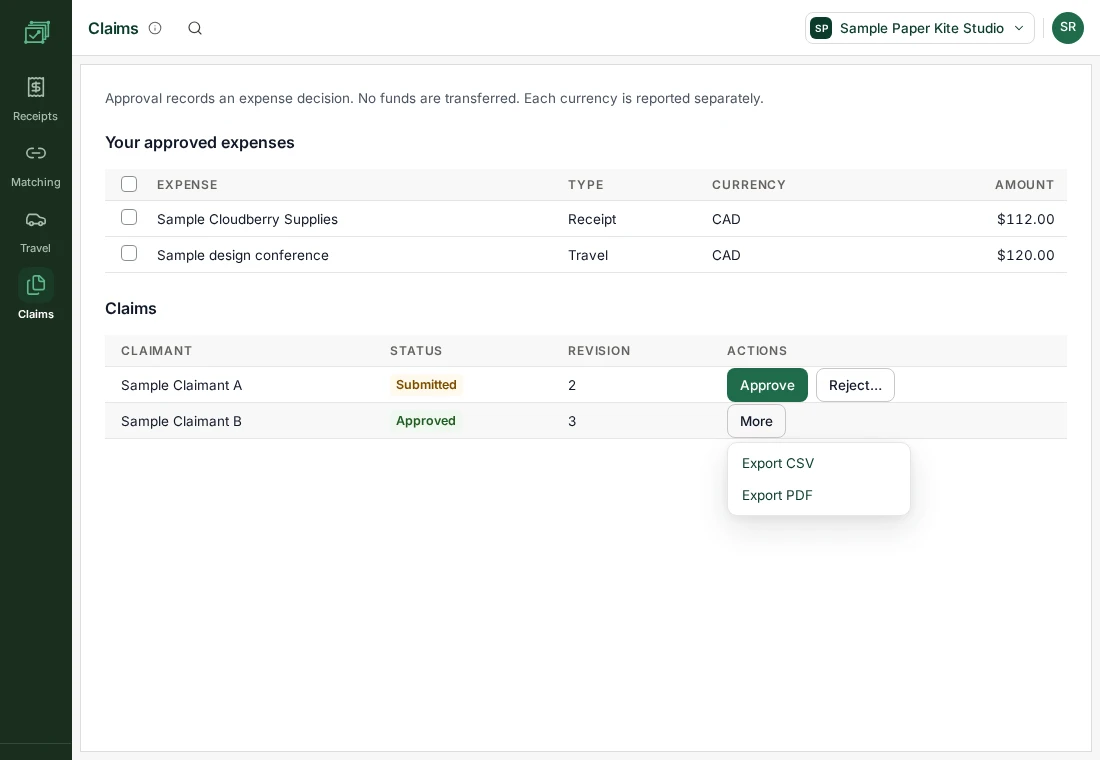
Two products, one place to work.
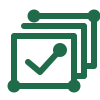

Statements, not bank feeds
Upload PDFs from any Canadian bank. Each is checked against its own balances.
More about oh my ledger

Set this up for your own work.
Sign-up is not open yet. Join the waitlist, choose the products you need, and we will write when access opens.
The change
From this to that.
TodayWith oh my hq
Re-keying PDFsUpload, review, post
Sales tax worked out in a side sheetSales tax on every line
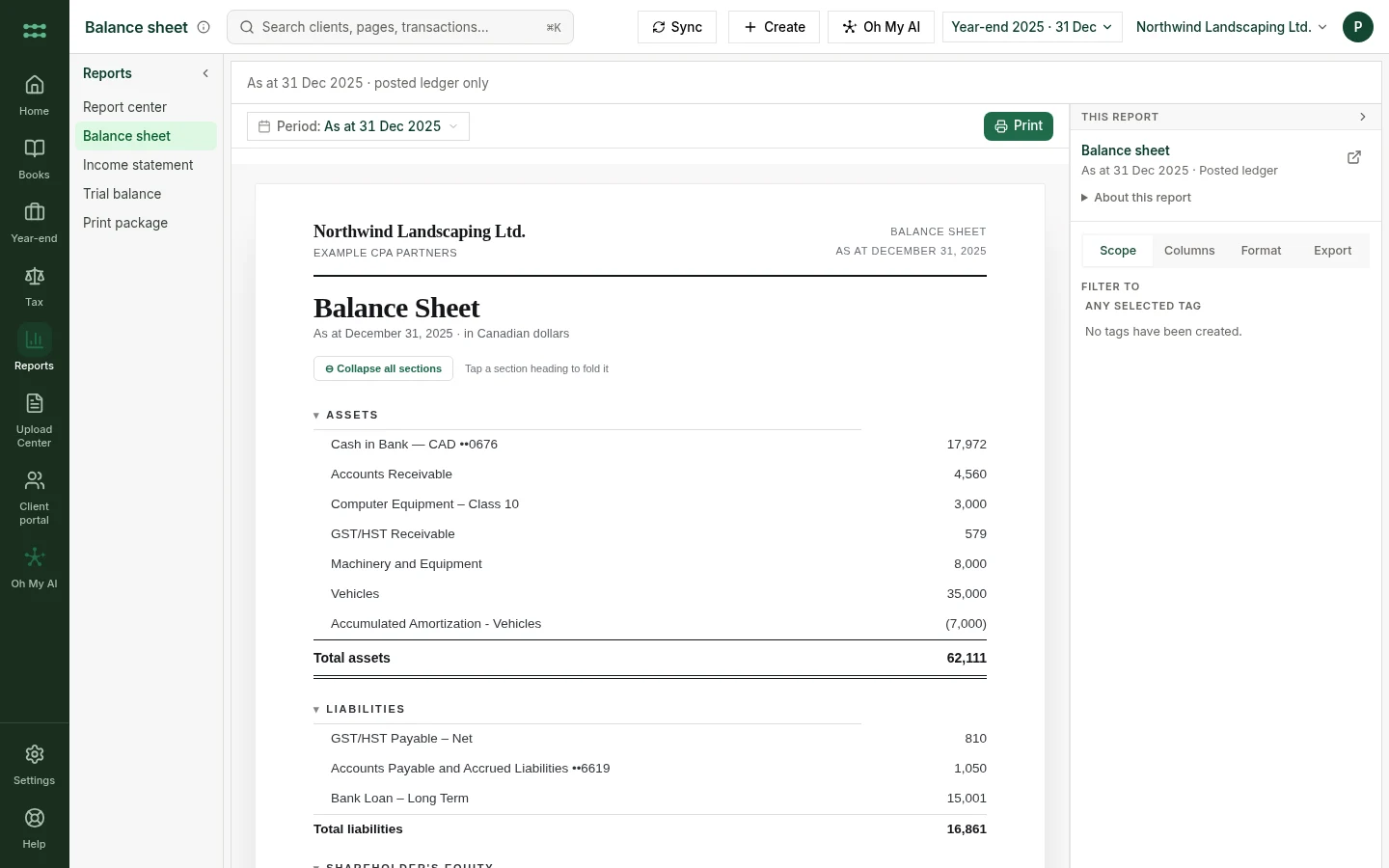
Reports built in a spreadsheetReports read from posted entries